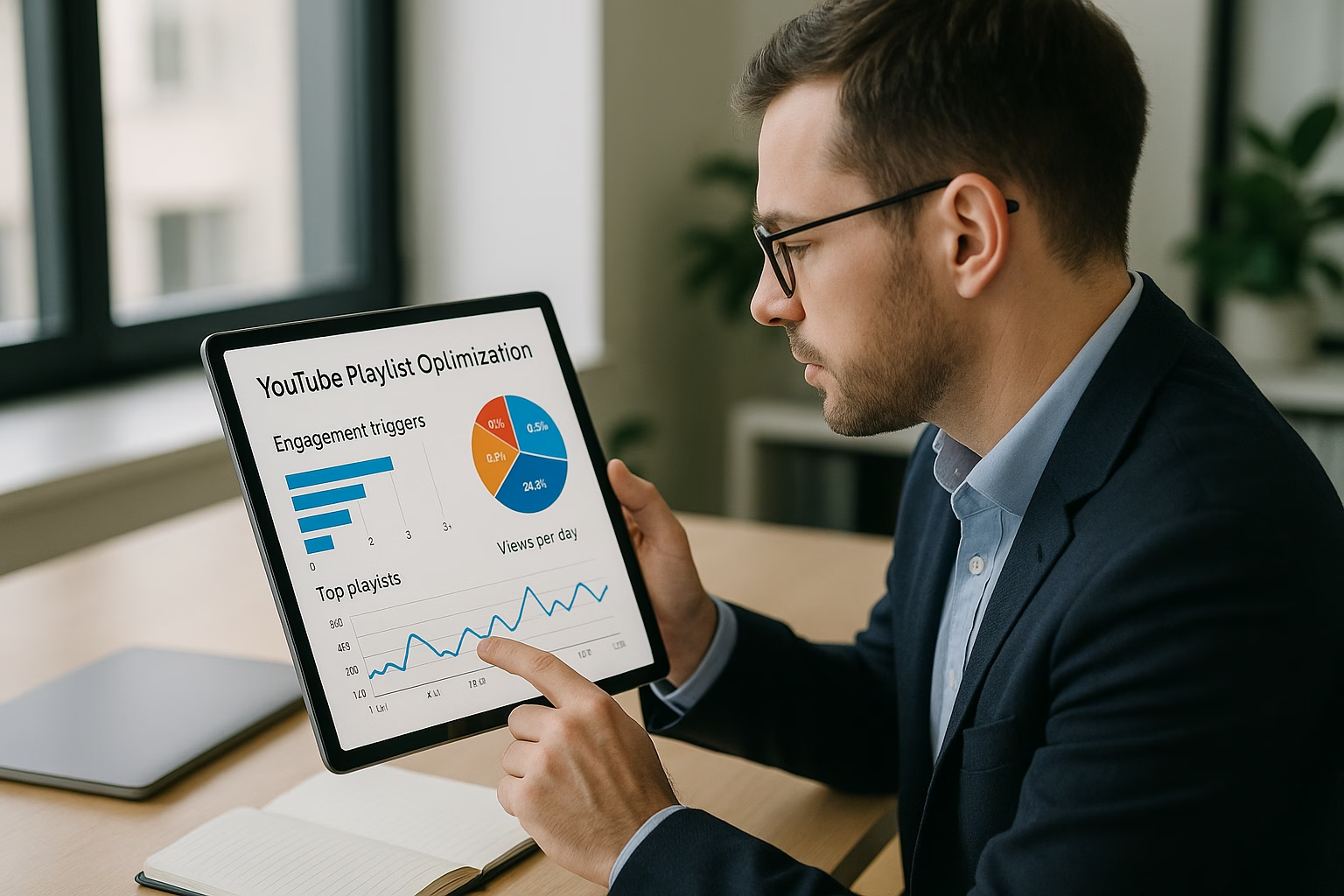
Master YouTube Playlist Basics for Engagement

Master Youtube playlist, playlist basics essentials for YouTube Growth. Learn proven strategies to start growing your channel with step-by-step guidance for beginners.

Essential YouTube Playlists - How to Make

Playlists group related videos to guide viewers through a sequence, increase session watch time, and boost engagement. This quick primer explains playlist types, sequencing logic, titles, descriptions, and simple CTAs so creators aged 16-40 can start building playlists that keep viewers watching and subscribing.

Why Playlists Matter for Engagement

Playlists are a lightweight but powerful tool: they create a viewing path, prompt autoplay between related videos, and help YouTube understand video relationships. For modern creators, playlists improve session duration, suggest related content more often, and increase the odds of turning casual viewers into recurring subscribers.

  • Increase session watch time by chaining videos
  • Improve discoverability for topic-series and tutorials
  • Provide a better viewer experience with clear sequencing
  • Give creators places to add CTAs and structured hooks

Types of Playlists and When to Use Them

Pick a playlist type based on your channel goals and content format. Examples below make it easy to match intent to execution.

  • Series/Sequential Tutorials: Step-by-step lessons (e.g., "Beginner Beatmaking Part 1-8") - use strict ordering.
  • Themed Collections: Group similar topics (e.g., "Quick Cooking Hacks") - flexible order works fine.
  • Best Of / Highlights: Curate top-performing videos (e.g., "Top Viral Shorts") - useful for newcomers.
  • Behind the Scenes / Vlogs: Personal content grouped for loyal fans - encourage binge-watching.

Core Playlist Basics for Beginners

Think of playlists as micro-shows inside your channel. Use clear titles, helpful descriptions, and logical ordering. Treat the playlist page like a landing page that convinces viewers to stick around.

  • Title: Keep it clear and search-friendly (include keywords but avoid clickbait).
  • Description: Explain the sequence and add timestamps or key topics.
  • Order: Choose manual ordering for tutorials and chronological for story arcs.
  • Thumbnails: Consistent look increases recognition and click-through.
  • CTA placement: Use the first and last videos in a playlist to prompt next actions (subscribe, next playlist, or series continuation).

How to Make a Playlist that Actually Boosts Engagement

  1. Step 1: Define the goal of the playlist - teach, entertain, or convert viewers to subscribers.
  2. Step 2: Choose a clear, searchable title that matches common viewer searches and includes a keyword phrase.
  3. Step 3: Write a short, useful description with 2-3 lines summarizing the sequence and including 1-2 relevant keywords.
  4. Step 4: Select the videos that fit the theme; prioritize videos that keep viewers engaged and match the playlist promise.
  5. Step 5: Order videos logically - chronological for stories, step-based for tutorials, or highest-to-lowest energy for highlights.
  6. Step 6: Create consistent thumbnails or add a unifying playlist thumbnail to build brand recognition.
  7. Step 7: Add cards and end screens in the first and last videos to drive viewers into the playlist and ask for subscriptions.
  8. Step 8: Promote the playlist in video descriptions and pin a playlist link in comments to guide new viewers.
  9. Step 9: Monitor performance in YouTube Analytics - watch time per viewer and average view duration for playlist videos.
  10. Step 10: Iterate every few weeks: swap weak-performing videos, test different video orders, and refine titles/descriptions.

Simple Playlist Title and Description Examples

Use these templates to create clear playlist entries fast:

  • Tutorial Series: "Guitar Basics - Week 1 to 6" - Description: "Six lessons that take beginners from open chords to simple songs. Start with lesson one and follow in order."
  • Themed Collection: "Quick Meal Ideas Under 10 Minutes" - Description: "Fast recipes for busy days. Watch any video; shuffle or play straight through."
  • Highlight Reel: "Top Tech Tips from the Channel" - Description: "Our most-watched tech quick wins compiled for easy bingeing."

Placement Tips for CTAs and Engagement Prompts

Use playlists to create natural CTA moments: ask for likes and subscriptions early in the first video, but reserve playlist-level pushes (subscribe to playlist/series) for the end of each video. In descriptions, suggest the next video in the playlist and include a direct link to the playlist landing page.

Metrics to Watch

  • Average View Duration (for playlist videos)
  • Session Watch Time (how playlists contribute to longer sessions)
  • Click-Through Rate from playlist thumbnail/landing
  • Retention curve across playlist sequence

Tools and Best Practice Resources

For official guidance, consult the YouTube Creator Academy and the YouTube Help Center. For data-driven audience insights, see Think with Google. For social tips, check Social Media Examiner and Hootsuite’s blog at Hootsuite Blog.

Related Reading to Level Up

If you like playlist planning, you’ll find deeper workflow and channel setup strategies helpful:

PrimeTime Media Advantage and CTA

As you begin using playlist basics, PrimeTime Media can help you structure playlists into content funnels that boost session time and grow subscribers. If you want personalized playlist sequencing, consistent thumbnail sets, or analytics-driven iteration, PrimeTime Media offers creator-friendly services and strategy coaching. Visit PrimeTime Media to refine your playlist strategy and get tailored help for growth.

Beginner FAQs

🎯 Key Takeaways

  • Master playlist basics - YouTube Playlists 101 - A Friendly Crash basics for YouTube Growth
  • Avoid common mistakes
  • Build strong foundation

⚠️ Common Mistakes & How to Fix Them

❌ WRONG:
Randomly throwing videos into a playlist without a clear theme or order, hoping autoplay will magically increase watch time.
✅ RIGHT:
Create playlists with a defined promise and logical sequence. Start with a hook video, follow with value-focused content, and end with a CTA to continue watching or subscribe.
💥 IMPACT:
Switching to purposeful playlists can increase average session duration by 10-30 percent, improving recommendations and subscriber conversion rates.

Proven YouTube Playlists - playlist basics for engagement

Playlists organize videos into a guided viewing path that increases session duration and viewer retention. Proper sequencing, descriptive titles, and strategic CTAs can raise watch time; creators who use playlists see measurable improvements in session length and click-throughs when matched with relevancy and metadata optimization.

Why Playlists Matter for Engagement

Playlists are more than folders - they act as mini-guides that tell YouTube’s algorithm how videos relate. A well-built playlist increases session watch time, improves discoverability for niche topics, and nudges viewers through next steps. Data from YouTube and industry analysis show session-based signals (watch time per session) are strong ranking signals for suggested traffic.

How long should a playlist be for best engagement?

Optimal playlist length varies by topic, but 5-12 videos often balance depth and watchability. Shorter playlists suit quick how-to flows; longer, tightly themed series can increase session time if every video contributes clear value and pacing. Monitor continuation rate to refine length.

Should I reorder videos in an existing playlist to improve retention?

Yes. Reordering to front-load high-value or high-retention videos increases early continuation. Use YouTube Analytics to identify drop-off points, then test placing stronger hooks earlier. Small reorder tests and A/B iterations reveal what sequencing your audience prefers.

Can playlists improve suggested traffic and search visibility?

Playlists signal topical relevance and viewing paths to YouTube. Well-titled playlists with cohesive content can increase suggested traffic and provide additional entry points in search. Combine strong metadata, keywords, and consistent tags to maximize discoverability and suggested placements.

How often should I update playlist metadata and order?

Review playlists monthly for performance shifts. Update titles and descriptions when adding new content, and reorder videos after analyzing analytics. Frequent but measured updates (monthly) keep playlists fresh without confusing long-term viewers or losing historical performance signals.

Resources and Further Reading

For official guidelines and deeper strategy, consult these authoritative sources:

Final Checklist for Playlist Launch

  • Define the playlist goal and primary metric.
  • Choose a searchable, outcome-driven title and description.
  • Order videos for maximum early retention.
  • Add consistent thumbnails and cross-promotions.
  • Track analytics and iterate monthly.

Why PrimeTime Media Can Help

PrimeTime Media blends data-driven planning and creative sequencing to turn playlists into viewer journeys. We map story arcs, automate playlist workflows, and optimize metadata for session growth. If you want a tailored playlist strategy, PrimeTime Media can audit your channel and build a playlist roadmap that converts views into watch time and subscribers.

Ready to level up your playlists? Reach out to PrimeTime Media for a playlist audit and practical action plan tailored to your channel goals.

PrimeTime Advantage for Intermediate Creators

PrimeTime Media is an AI optimization service that revives old YouTube videos and pre-optimizes new uploads. It continuously monitors your entire library and auto-tests titles, descriptions, and packaging to maximize RPM and subscriber conversion. Unlike legacy toolbars and keyword gadgets (e.g., TubeBuddy, vidIQ, Social Blade style dashboards), PrimeTime acts directly on outcomes-revenue and subs-using live performance signals.

  • Continuous monitoring detects decays early and revives them with tested title/thumbnail/description updates.
  • Revenue-share model (50/50 on incremental lift) eliminates upfront risk and aligns incentives.
  • Optimization focuses on decision-stage intent and retention-not raw keyword stuffing-so RPM and subs rise together.

👉 Maximize Revenue from Your Existing Content Library. Learn more about optimization services: primetime.media

Key Playlist Benefits

  • Boost session watch time by chaining content logically.
  • Increase suggested traffic when playlists signal topic relevance.
  • Improve new viewer onboarding by grouping intro content together.
  • Encourage binge-watching with ordered sequences and cliffhanger CTAs.

Types of Playlists and When to Use Them

Different playlist formats serve different creator goals. Mix formats on your channel to support both discovery and retention.

Common Playlist Types

  • Series playlists - chronological tutorials or episodic content to guide binge behavior.
  • Topic collections - non-chronological grouping for evergreen subjects.
  • Best-of or highlights - great for showcasing top content to new viewers.
  • Resource or how-to compilations - practical for education and search-driven traffic.

How to Create Playlists That Improve Watch Time

Follow these actionable steps to build playlists that are relevant, discoverable, and retain viewers.

  1. Step 1: Define the playlist goal - decide if you want discovery, retention, or onboarding. Map what metric (CTR, session duration, or subscriber growth) you want to move.
  2. Step 2: Pick a clear theme and searchable title - use keyword research and keep titles consistent with viewer intent (how-to, beginner, advanced, best-of).
  3. Step 3: Order content logically - for tutorials use chronological order; for compilations order by value (best to first) to hook viewers early.
  4. Step 4: Write a descriptive playlist description - include primary keywords and a short viewer promise in the first 150 characters for discovery.
  5. Step 5: Add custom thumbnails where possible and maintain visual consistency to increase clicks from your channel page and search results.
  6. Step 6: Place CTAs in videos and playlist descriptions - ask viewers to continue to the next video or check the playlist for a full guide.
  7. Step 7: Monitor performance with YouTube Analytics - track average view duration and playlist starts, then iterate on ordering and titles.
  8. Step 8: Cross-promote playlists in end screens, cards, and community posts to funnel traffic into long-form session journeys.
  9. Step 9: Test a “youtube playlist backwards” order for curiosity-driven topics - sometimes reverse sequencing increases binge when later episodes tease earlier ones.

Playlist Naming, Keywords, and Metadata Best Practices

Metadata drives discoverability. Use research-backed techniques to help YouTube understand and surface your playlists to the right viewers.

  • Include one primary keyword (search intent) and one supporting phrase in the title.
  • Keep titles concise and promise a viewer outcome: “How to make X” or “Basics for Y.”
  • Use playlist descriptions to cover related keywords, timestamps, and a short call-to-action.
  • Tag videos consistently so signals align across the playlist.

Engagement Tactics Inside Playlists

Small changes inside videos and playlist structure can meaningfully change behavior.

  • Start each playlist video with a quick reminder: “This is part of the X playlist - watch the next video for Y.”
  • End screens: point to the playlist rather than a single video to funnel viewers into session mode.
  • Cards: use a playlist link card when the next video fits the viewer’s path.
  • Tease the next video early to reduce dropoff and increase continuation clicks.

Measuring Playlist Success

Use metrics to validate playlists and refine them.

  • Look at average view duration by playlist, not just by video.
  • Check playlist starts and exits to identify drop-off points.
  • Compare suggested traffic growth before and after playlist changes.
  • Segment by traffic source to see where playlists are performing (search vs. suggested).

Advanced Tips and Integrations

Intermediate creators should leverage automation and content planning to scale playlist performance.

Intermediate FAQs

🎯 Key Takeaways

  • Scale playlist basics - YouTube Playlists 101 - A Friendly Crash in your YouTube Growth practice
  • Advanced optimization
  • Proven strategies

⚠️ Common Mistakes & How to Fix Them

❌ WRONG:
Putting unrelated videos into one playlist just to increase counts without thematic cohesion confuses viewers and dilutes session signals.
✅ RIGHT:
Create focused playlists where each video adds sequential value - maintain a single theme, logical order, and clear next-step prompts.
💥 IMPACT:
Switching to focused playlists can boost playlist continuation rates by 10-30% and increase session watch time, improving suggested traffic and overall channel growth.

Proven YouTube Playlists - Playlist Basics for Engagement

Featured answer: YouTube Playlists organize videos to extend session time, boost autoplay flow, and surface related content to your audience. Optimizing sequence, titles, descriptions, and thumbnails with intent-based grouping and A/B-tested entry points increases watch time, impressions, and subscriber conversion for creators focused on scaling engagement.

Why Playlists Matter for Modern Creators

Playlists are more than folders - they are consumption pathways. Properly built playlists guide viewers through a curated journey, increasing session length, signaling relevance to the algorithm, and improving conversion moments like subscribe clicks and video interactions. For Gen Z and Millennial creators (ages 16-40), playlists become story arcs, binge funnels, and topical hubs that scale channel growth when optimized.

Final Checklist Before You Publish a Playlist

  • Title matches search intent and includes clear keywords.
  • Description opens with intent-led sentences and timestamps.
  • Video order creates a logical watch path and includes a conversion endpoint.
  • Thumbnail system and first-video thumbnail are optimized.
  • Promotion plan: CTA in videos, community posts, and site embeds.

PrimeTime Media - How We Help

PrimeTime Media specializes in scaling YouTube content systems for creators who want data-driven playlists, story arc automation, and API-enabled optimizations. We combine creative sequencing with technical automation to increase session time and subscriber conversion. Explore our playbooks and automation frameworks to scale playlists without adding manual work.

Ready to upgrade your playlist strategy? Partner with PrimeTime Media to audit, automate, and scale your YouTube playlists-book a consult to map your playlist roadmap and growth experiments.

Additional trusted resources: YouTube Creator Academy, YouTube Help Center, and Think with Google for audience insights. For social strategy context, see Hootsuite Blog and Social Media Examiner.

PrimeTime Advantage for Advanced Creators

PrimeTime Media is an AI optimization service that revives old YouTube videos and pre-optimizes new uploads. It continuously monitors your entire library and auto-tests titles, descriptions, and packaging to maximize RPM and subscriber conversion. Unlike legacy toolbars and keyword gadgets (e.g., TubeBuddy, vidIQ, Social Blade style dashboards), PrimeTime acts directly on outcomes-revenue and subs-using live performance signals.

  • Continuous monitoring detects decays early and revives them with tested title/thumbnail/description updates.
  • Revenue-share model (50/50 on incremental lift) eliminates upfront risk and aligns incentives.
  • Optimization focuses on decision-stage intent and retention-not raw keyword stuffing-so RPM and subs rise together.

👉 Maximize Revenue from Your Existing Content Library. Learn more about optimization services: primetime.media

Core Benefits

  • Longer session watch time and autoplay-driven views.
  • Stronger topical authority and contextual SEO signals.
  • Improved click-through on suggested and end-screen recommendations.
  • Reusable funnels: playlists can funnel cold viewers into higher-value content.

Types of Playlists Advanced Creators Use

  • Sequential Story Arc Playlists - ordered to tell a narrative across videos.
  • Topic Cluster Playlists - group evergreen content around one search intent.
  • FAQ/How-To Playlists - stepwise education that ranks for informational queries.
  • Collection / Best-Of Playlists - highlight top clips to capture new viewers.

Advanced Optimization and Scaling Techniques

Optimizing Titles and Descriptions

Use keyword-focused playlist titles that match search intent and viewer language. Combine primary keyword phrases (e.g., "Youtube playlist basics") with a promise (e.g., "for engagement"). In descriptions, lead with 1-2 strong sentences answering intent, include timestamps or video order notes, and add 3-5 relevant keywords naturally. Include a content map (what viewers will learn) to improve discovery.

🎯 Key Takeaways

  • Expert playlist basics - YouTube Playlists 101 - A Friendly Crash techniques for YouTube Growth
  • Maximum impact
  • Industry-leading results
❌ WRONG:
Relying on ad-hoc playlist creation with inconsistent titles and random video order, assuming YouTube will fix discoverability without intentional sequencing or metadata.
✅ RIGHT:
Create themed playlists with consistent naming, purposeful sequencing (hook to convert), and optimized descriptions-then test and iterate based on analytics rather than intuition.
💥 IMPACT:
Correcting this approach can increase playlist watch time by 15-40% and improve subscriber conversion by 5-12% within weeks, based on controlled tests across channels.

⚠️ Common Mistakes & How to Fix Them

🚀 Ready to Unlock Your Revenue Potential?

Join the creators using PrimeTime Media to maximize their YouTube earnings. No upfront costs—we only succeed when you do.

Get Started Free →
2025-11-24T04:34:40.696Z 2025-11-23T22:54:26.358Z