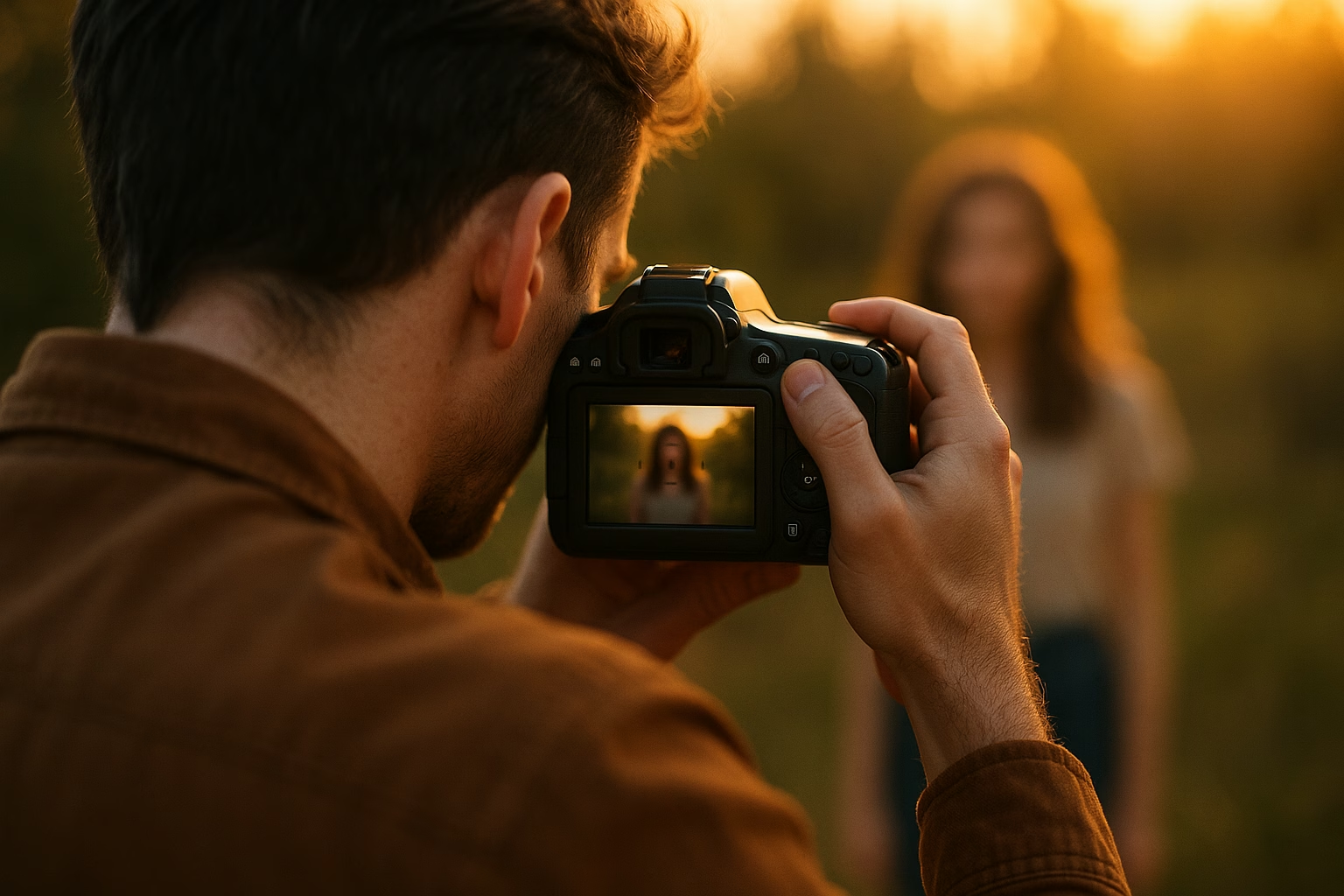
YouTube Video Basics - Essential Yoga class video Guide
Start simply: set a steady camera, clean audio, soft natural light, and a clear class structure to film your first yoga class video. Focus on consistent framing, a short editing workflow, and an upload checklist so beginners can publish confidently and attract viewers who want Free yoga or Yoga for beginners content.
Why this guide matters
If you’re a yoga instructor aged 16-40 ready to share classes online, these basics remove the tech overwhelm. This guide breaks down camera and audio choices, lighting and framing examples, a short editing workflow, an upload checklist, thumbnail tips, and a starter content calendar so you can post reliably.
How do I record a clear yoga class video with minimal gear?
Start with a tripod-mounted smartphone and a clip-on lavalier mic. Film facing a window for soft light, frame full body, and record a short test to check audio levels. Trim dead time during editing and add captions to improve clarity and accessibility before uploading.
How long should my yoga class video be for beginners?
For beginners, 10-30 minutes is ideal: short enough to fit busy schedules, long enough to teach a full flow. Offer a mix of 10-minute quick routines and 20-30 minute full classes to attract both newcomers and slightly more committed learners.
Do I need to add captions and chapters to my videos?
Yes. Captions improve accessibility and SEO because YouTube indexes transcript text. Chapters help viewers jump to segments and increase session time. Both features increase watchability and the chance YouTube recommends your yoga class video to new viewers.
What tags and keywords should beginner yoga creators use?
Use clear keywords like “Yoga for beginners,” “Yoga class video,” and “free yoga class.” Add pose names and intent tags (e.g., “morning flow,” “stretch for tight hips”). Keep tags relevant and mirror language people search for to improve discoverability.
PrimeTime Advantage for Beginner Creators
PrimeTime Media is an AI optimization service that revives old YouTube videos and pre-optimizes new uploads. It continuously monitors your entire library and auto-tests titles, descriptions, and packaging to maximize RPM and subscriber conversion. Unlike legacy toolbars and keyword gadgets (e.g., TubeBuddy, vidIQ, Social Blade style dashboards), PrimeTime acts directly on outcomes-revenue and subs-using live performance signals.
- Continuous monitoring detects decays early and revives them with tested title/thumbnail/description updates.
- Revenue-share model (50/50 on incremental lift) eliminates upfront risk and aligns incentives.
- Optimization focuses on decision-stage intent and retention-not raw keyword stuffing-so RPM and subs rise together.
👉 Maximize Revenue from Your Existing Content Library. Learn more about optimization services: primetime.media
Who this is for
- Yoga teachers creating a Yoga class or Free yoga class video for beginners
- Instructors wanting simple tutorials for filming a class video tutorial without expensive gear
- Creators launching beginners youtube content like Yoga for beginners or a Yoga routine for new students
Essential gear and setup (simple and affordable)
Camera
Use what you already have: a smartphone on a tripod works great. Aim for 1080p at 30fps for smooth playback. Examples: an iPhone, mid-range Android, or entry-level mirrorless camera. Remember, steady framing beats ultra-high resolution for class clarity.
Audio
Good audio is more important than perfect video. Use a lavalier mic (clip-on) or a USB condenser mic if recording voiceovers. Test with a short script to ensure clear instructor cues. If budget is tight, a smartphone + inexpensive lav mic improves clarity dramatically.
Lighting
Soft, even light is ideal. Film facing a large window for natural light or use one softbox or ring light behind the camera. Avoid strong backlight that creates silhouettes. Example setups: window + reflector (a white sheet) or ring light at eye level for consistent skin tones.
Framing and space
Frame your full body for standing flows and mid-body for seated sequences. Leave headroom and ensure mat is fully visible. Use a clean, uncluttered background with a soft color. Example: position the camera three to five meters away, slightly above mat level for the most natural angle.
Class structure and scripting
Prepare a clear class outline: intro (30-60 seconds), warm-up (3-5 minutes), core sequence (10-20 minutes), cool-down (3-5 minutes), and closing (30-60 seconds). Keep language simple for Yoga for beginners and cue poses by both name and simple alignment tips.
Example brief script
- Intro: “Welcome - today’s 20-minute Yoga routine for balance.”
- Warm-up cues: “Move with breath, inhale reach, exhale fold.”
- Sequence cues: “Flow through three sun salutations, adapting options.”
- Close: “Thank you - subscribe for Free yoga class videos.”
Editing workflow - fast and repeatable
Use lightweight editing tools: iMovie, CapCut, or DaVinci Resolve. Keep edits simple: trim, color correct, add music under license, and include chapter markers. Export at 1080p H.264 for quick uploads. Save a template so every class follows the same opening, transitions, and lower-third titles.
- Step 1: Import footage and audio, label clips by segment (intro, warm-up, sequence, cool-down).
- Step 2: Trim starts and ends; keep instructor cues tight so pacing feels energetic and clear.
- Step 3: Sync external audio (lavalier) to camera audio; mute camera track if external is cleaner.
- Step 4: Add gentle background music at -18 to -24 dB under voice to avoid drowning cues.
- Step 5: Color correct for consistent skin tones and mat visibility; small contrast and warmth fixes help.
- Step 6: Insert title card, class name, difficulty and duration; include on-screen pose names for beginners.
- Step 7: Add chapter markers matching class segments to improve watchability and SEO.
- Step 8: Export using H.264 1080p at 8-12 Mbps and test playback on phone and laptop.
- Step 9: Archive raw files and exported video with a consistent naming convention for reuse.
Upload checklist and SEO basics
Before publishing, follow this checklist to help discoverability and viewer experience.
- Title: include clear class name and target (e.g., “20-Minute Yoga for beginners - Gentle Morning Flow”).
- Description: 2-3 sentences summary, key benefits, time stamps, and social links.
- Tags: include “Yoga for beginners,” “Yoga class video,” and specific pose names.
- Thumbnail: bright, readable text, clear pose, high contrast.
- Chapters: add timestamps to match the video segments for better engagement.
- Closed captions: upload accurate transcript to improve accessibility and SEO (YouTube Creator Academy recommends captions for reach).
Thumbnail fundamentals
Design thumbnails that read on small screens: large readable text (3-4 words), high-contrast color, and an expressive pose. Use a consistent brand style: same color palette, corner logo, and font. Test thumbnails using YouTube's preview on different devices.
Starter content calendar
Build momentum with a predictable schedule. For beginners, aim for one short class per week for 8 weeks. Example calendar:
- Week 1: 10-minute Morning Yoga for beginners
- Week 2: 20-minute Gentle Flow - Full Body
- Week 3: 15-minute Evening Wind-down
- Week 4: 20-minute Strength and Balance routine
Rotate themes during months: focus, mobility, beginners youtube series, and Free yoga class samples to grow subscribers.
Distribution and promotion tips
Share class clips on short-form platforms like YouTube Shorts and Instagram Reels with links to the full YouTube class. Consider cross-promotion frameworks to partner with other instructors - see PrimeTime Media’s promotion strategy for creators to scale views effectively.
For automation and cross-channel promotion, review PrimeTime Media’s guide to Automating Cross-Channel Promotion and how to grow through optimization in Grow Your Channel with YouTube Optimization Strategy.
Examples and templates
Example title: “30-Minute Yoga class for beginners - Gentle Flow”
Example description start: “Join this 30-minute class for beginners focusing on gentle stretches, breathwork, and mindful transitions. No props required.” Then include chapters and links to subscribe.
Helpful resources and references
- YouTube Creator Academy - official lessons on uploads, thumbnails, and captions.
- YouTube Help Center - policy and technical guides for creators.
- Think with Google - consumer insights and trends helpful for content planning.
- Hootsuite Blog - social distribution and cross-promotion tips.
- Learn Clinic Video - YouTube Video Guide - for structuring repeatable brand videos and workflows.
PrimeTime Media advantage
PrimeTime Media helps yoga instructors turn simple shoots into polished, searchable classes. If you want a reliable template, thumbnail pack, and promotion plan tailored to Yoga class videos, PrimeTime Media offers easy-to-apply tools and coaching to scale your channel. Ready to go from nervous to consistent on YouTube? Reach out to PrimeTime Media for a clear start and tailored support.
Beginner FAQs
🎯 Key Takeaways
- Master Yoga class and class video - YouTube Video Basics for Yoga basics for Yoga Benchmark
- Avoid common mistakes
- Build strong foundation