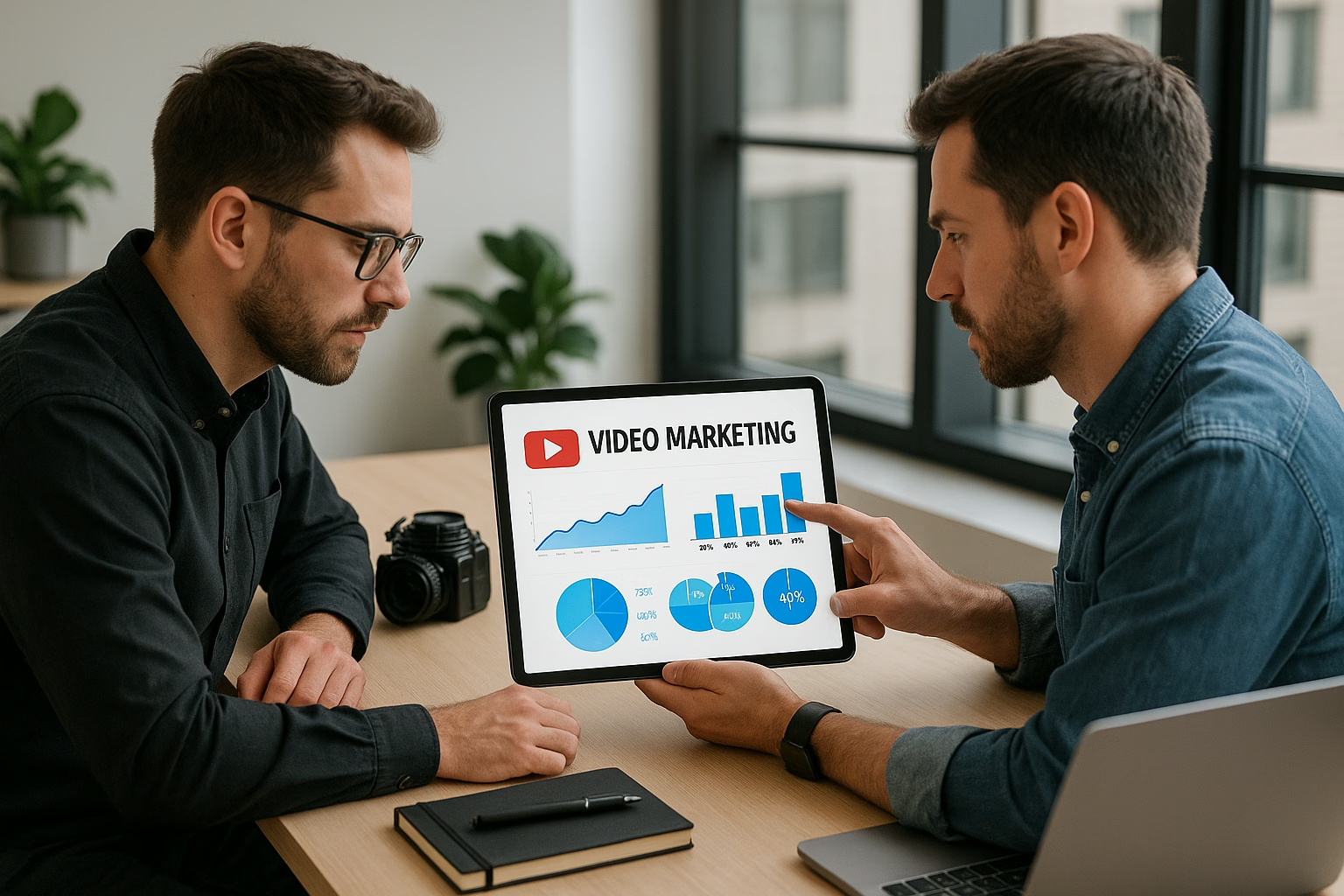
YouTube Video Marketing Basics - Complete Video Marketing Guide
YouTube video marketing basics explained simply: choose a content format, pick affordable equipment, learn basic SEO, set a realistic posting schedule, and try simple monetization. This comparison guide helps creators ages 16-40 pick a clear starting path and decide what fits their time, budget, and goals.
Why This Guide Matters
If you want to grow on YouTube or use Digital marketing videos for a brand, the first step is understanding tradeoffs: low-cost vs. polished production, short vs. long formats, and organic growth vs. YouTube ads. This guide compares approachable options and gives practical next steps so you can start creating confidently.
What is YouTube video marketing and how does it help creators?
YouTube video marketing uses videos to attract, educate, and convert viewers into subscribers or customers. It helps creators build an audience, demonstrate expertise, and monetize content through ads, sponsorships, or product sales. Focus on consistency, niche topics, and basic SEO to grow steadily.
How much does it cost to start with YouTube ads?
YouTube ads can start with budgets as low as a few dollars per day, but expect meaningful reach around $5-$20 daily. Test small campaigns to promote a best-performing video, optimize for conversions, and scale once you see positive watch time and click-through trends.
What basic equipment do I need to make good videos?
Minimum essentials: a smartphone with good video capability, a clip-on lavalier mic or a USB microphone for clear audio, natural light or an inexpensive LED, and free editing software. Clear audio and stable framing are more important than an expensive camera when starting.
How often should beginners post videos on YouTube?
Pick a schedule you can sustain: weekly long-form videos or multiple Shorts per week is effective. Consistency for 8-12 weeks helps YouTube's algorithm learn your content and audience. Adjust frequency based on analytics and content quality rather than following trends blindly.
Next Steps
Start by choosing one content format and producing three videos. Use one keyword per video, set a simple schedule, and review analytics after a month. If you want an expert channel audit, PrimeTime Media can help create a custom, budget-aware plan and launch your first paid promotion. Reach out to PrimeTime Media to get a tailored action plan and accelerate your growth.
PrimeTime Advantage for Beginner Creators
PrimeTime Media is an AI optimization service that revives old YouTube videos and pre-optimizes new uploads. It continuously monitors your entire library and auto-tests titles, descriptions, and packaging to maximize RPM and subscriber conversion. Unlike legacy toolbars and keyword gadgets (e.g., TubeBuddy, vidIQ, Social Blade style dashboards), PrimeTime acts directly on outcomes-revenue and subs-using live performance signals.
- Continuous monitoring detects decays early and revives them with tested title/thumbnail/description updates.
- Revenue-share model (50/50 on incremental lift) eliminates upfront risk and aligns incentives.
- Optimization focuses on decision-stage intent and retention-not raw keyword stuffing-so RPM and subs rise together.
👉 Maximize Revenue from Your Existing Content Library. Learn more about optimization services: primetime.media
Quick Comparison Snapshot
- Content formats: Shorts for fast reach, tutorials for search traffic, vlogs for personality-driven channels, product demos for marketing videos.
- Equipment tiers: Phone-only (entry), mirrorless + mic (mid), small studio (higher but still affordable).
- Posting schedules: Daily Shorts, weekly long-form, biweekly polished videos.
- SEO basics: Keyword-rich title, concise description, tags, and well-designed thumbnails.
- Monetization: Ad revenue, affiliate links, merch, services, sponsored videos, and using YouTube ads to promote key videos.
Compare Content Formats: What Works for You
Choose a format that matches your strengths and goals. Shorts are low-effort and great for discovery. Long-form tutorials and reviews build authority and search longevity. Vlogs and behind-the-scenes content grow loyal audiences. Business creators can prioritize product demos and case-study Digital marketing videos to convert viewers.
Examples
- Shorts: 20-45 second cooking hacks demonstrating a single tip.
- Tutorials: 10-12 minute editing walkthrough with timestamps and downloadable assets.
- Product demo: 5-8 minute honest review highlighting benefits and pricing.
Simple Equipment Tiers
Pick the tier that fits your budget and goals. You don’t need pro gear to start-clarity, good audio, and consistent framing matter most.
- Phone-only (Entry): Smartphone, natural light, clip-on mic, simple editing apps.
- Mid-tier (Growth): Mirrorless camera, shotgun or lavalier mic, basic softbox lights, Adobe Premiere Rush or free DaVinci Resolve.
- Starter studio (Polished): Camera with interchangeable lenses, XLR mic and interface, softbox or LED panels, background and tripod.
Posting Schedule Comparison
Consistency beats frequency. Choose a schedule you can sustain: daily Shorts, weekly educational uploads, or biweekly polished videos. Track engagement for 8-12 weeks and adjust based on watch time and subscriber trends.
Suggested Starter Schedules
- New creators: 3 Shorts per week + 1 longer tutorial per month.
- Creators building a niche: 1 long-form how-to per week + Shorts to promote.
- Small businesses: 2 product/demo videos per month + Shorts highlighting features.
Basic YouTube SEO for Beginners
Basic SEO makes your videos discoverable. Focus on searchable titles, helpful descriptions, and relevant tags. Use one primary keyword in the title and mention it in the first 2-3 sentences of the description. Add chapters and timestamps for longer videos to increase watch time.
- Title: Include target keyword naturally and keep it compelling.
- Description: First 100-150 characters matter for search and previews.
- Tags: Use a mix of specific and broad tags related to your niche.
- Thumbnail: Clear subject, readable text, high contrast - test variations.
Monetization Options and When to Use Them
Monetization is more than ad revenue. Beginners should focus on building audience and trust first, then layer monetization: affiliate links and digital products, brand deals, channel memberships, and if eligible, YouTube ads revenue. Small business creators can use youtube video marketing examples like case-study videos to convert leads.
Step-by-Step Getting Started Checklist
- Step 1: Define your channel purpose and 2-3 video topics you can sustain for 3 months.
- Step 2: Pick a content format (Short, tutorial, vlog) that matches your time and personality.
- Step 3: Choose equipment tier: phone-only to start, upgrade when revenue or goals increase.
- Step 4: Create a simple posting schedule you can keep for 8-12 weeks.
- Step 5: Learn basic SEO: research one keyword per video and put it in title, description, and tags.
- Step 6: Produce 3-5 videos, test thumbnails, and analyze retention and CTR in YouTube Analytics.
- Step 7: Promote top-performing videos with low-budget YouTube ads or share short clips on social platforms.
- Step 8: Monetize once you have engaged viewers: start with affiliate offers or simple digital products.
- Step 9: Optimize workflow and speed up production using automation or templates to maintain consistency.
- Step 10: Iterate: use analytics, audience comments, and trends to refine topics and formats.
Affordable Production Tools
- Free editing: DaVinci Resolve, Shotcut
- Mobile editing: CapCut, InShot
- Thumbnail design: Canva, Photopea
- Audio cleanup: Audacity, Krisp
- Affordable mics: Rode SmartLav+, Blue Yeti, or Boya lavalier
How PrimeTime Media Helps
PrimeTime Media specializes in making youtube video marketing services friendly to new creators. We help creators streamline production, craft effective titles and thumbnails, and run affordable YouTube ads when you’re ready to scale. For practical workflow tips, check our guide to Master Your YouTube Channel Workflow for Growth.
If you want hands-on support, PrimeTime Media offers setup packages and consulting that save time and help you focus on creative work. Learn production speed-ups in Learn Production Optimization Strategies for Video Success and content marketing basics in Master YouTube Marketing to Grow Your Channel. Ready to grow? Contact PrimeTime Media to audit your channel and get a clear, budget-friendly plan.
Further Reading and Trusted Sources
- YouTube Creator Academy - Official lessons on content, growth, and monetization.
- YouTube Help Center - Policies, technical guidance, and troubleshooting.
- Think with Google - Data and consumer insights to shape video marketing strategy.
- Social Media Examiner - Social video marketing tactics and case studies.
Beginner FAQs
🎯 Key Takeaways
- Master YouTube Video Marketing Basics - A Simple Comparison Guide basics for YouTube Growth
- Avoid common mistakes
- Build strong foundation