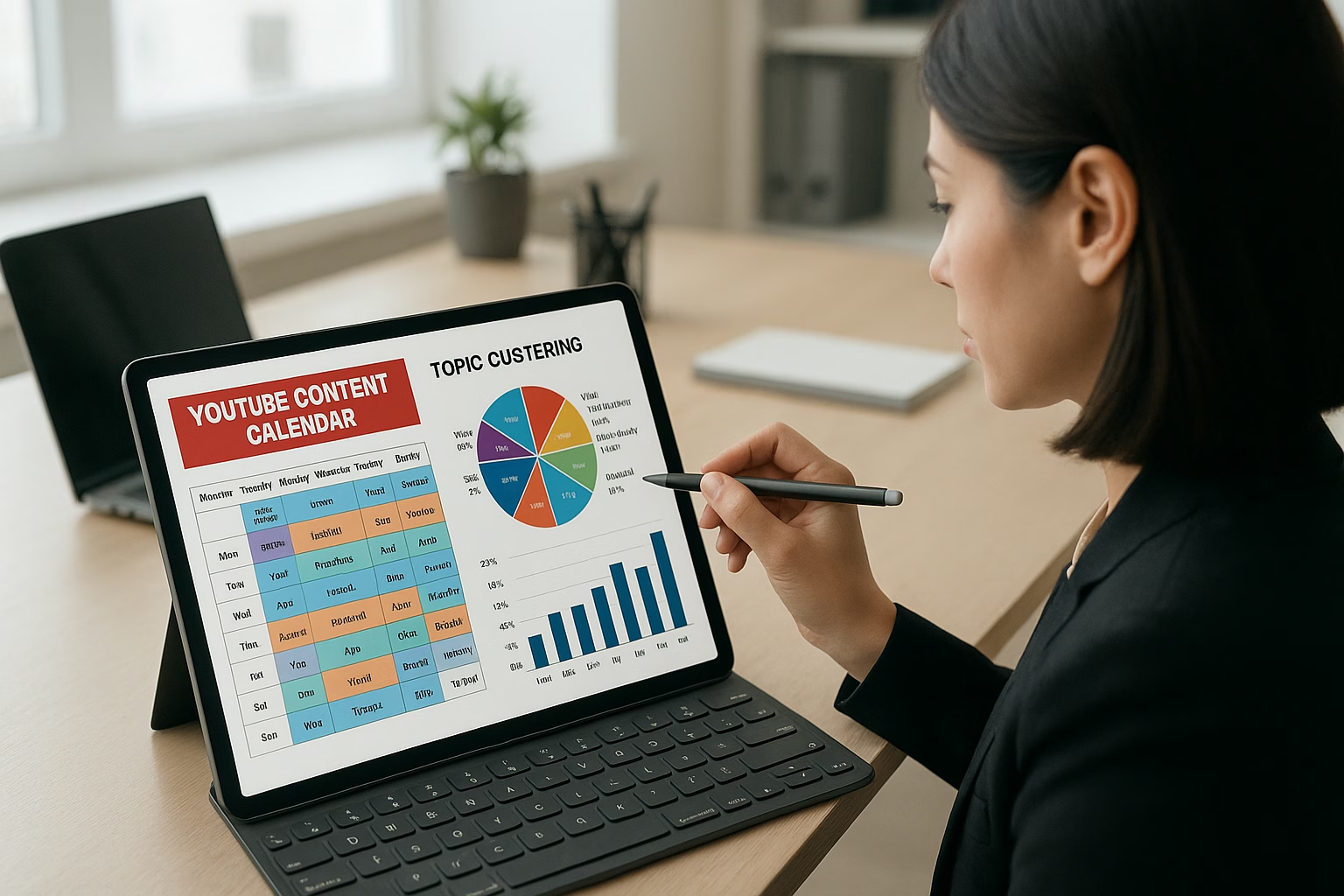
Optimize Your YouTube Topic Clusters with calendar tactics
Organize videos into focused topic clusters and schedule them for consistent viewer journeys. Use YouTube Keyword Research Tools to map pillar and cluster ideas, batch-create content, and test posting cadence. This improves search discoverability, watch time, and playlist performance while making your content calendar predictable and scalable.
What exactly is a YouTube topic cluster and why use it?
A topic cluster groups a single pillar video with several related cluster videos to signal subject authority. This structure increases internal watch time and helps viewers binge. Clusters improve search relevance when you use related keywords and link videos with playlists, cards, and consistent metadata.
How do I pick keywords for clusters using YouTube Keyword Research Tools?
Start with a pillar keyword that has steady search interest. Use YouTube Keyword Research Tools to find related long-tail queries, filter by intent, and prioritize topics you can produce consistently. Match cluster videos to specific queries for clearer titles and descriptions.
How often should I publish cluster videos on my content calendar?
Pick a predictable cadence that fits your production capacity-weekly or bi-weekly is common for beginners. Publish the pillar and at least one cluster video within the same week, then space others to maintain momentum without burning out your schedule.
Can playlists and internal links really boost binge-watching?
Yes. Playlists organize cluster videos into an intentional viewing path while cards and end screens nudge viewers to the next cluster video. These nudges increase session length and signal relevancy to YouTube, improving algorithmic recommendations.
Further learning and next steps
For foundational video skills, check 4 Essential video basics - Tips to Get Started. If you want to measure content ROI as you scale clusters, read Master Content ROI Optimization for YouTube.
PrimeTime Media advantage and call to action
PrimeTime Media specializes in helping creators convert keyword research into repeatable content calendars that drive watch time and subscribers. If you want a simple cluster template or a review of your first pillar plan, PrimeTime Media can help you set up a production-friendly calendar and optimization checklist-start by contacting our team for tailored guidance.
External resources for best practices
- YouTube Creator Academy - Official lessons on metadata, playlists, and audience building.
- YouTube Help Center - Policies and technical guidance for uploads and channels.
- Think with Google - Insights on audience behavior and trend data to inform pillar topics.
PrimeTime Advantage for Beginner Creators
PrimeTime Media is an AI optimization service that revives old YouTube videos and pre-optimizes new uploads. It continuously monitors your entire library and auto-tests titles, descriptions, and packaging to maximize RPM and subscriber conversion. Unlike legacy toolbars and keyword gadgets (e.g., TubeBuddy, vidIQ, Social Blade style dashboards), PrimeTime acts directly on outcomes-revenue and subs-using live performance signals.
- Continuous monitoring detects decays early and revives them with tested title/thumbnail/description updates.
- Revenue-share model (50/50 on incremental lift) eliminates upfront risk and aligns incentives.
- Optimization focuses on decision-stage intent and retention-not raw keyword stuffing-so RPM and subs rise together.
👉 Maximize Revenue from Your Existing Content Library. Learn more about optimization services: primetime.media
Why topic clusters matter for modern creators
Topic clusters group related videos around a central “pillar” topic and supporting “cluster” videos. This helps YouTube understand your channel’s expertise, improves internal linking via playlists and cards, and encourages binge-watching. For Gen Z and Millennial creators, clusters turn casual viewers into returning fans by providing clear, discoverable pathways through your content.
Core components of an effective topic cluster
- Central Pillar: One broad, high-value video that anchors the cluster (e.g., "How to set up a food truck camera").
- Cluster Videos: 3-8 related videos that dive into subtopics, keywords, or use-cases (short tutorials, gear guides, behind-the-scenes).
- Keywords Map: A simple spreadsheet linking pillar keywords to cluster keywords sourced from YouTube Keyword Research Tools.
- Calendar Cadence: A publishing schedule that spaces cluster videos to reinforce the pillar without overwhelming viewers.
- Cross-linking: Playlists, cards, end screens, and video descriptions that point viewers through the cluster.
- Analytics Loop: Basic metrics to test and iterate (views, average view duration, playlist retention).
How to plan topic clusters using calendar tactics
Below is a 9-step, practical workflow that converts keyword research into a repeatable content calendar. Each step focuses on beginner-friendly actions and uses accessible tools so you can build momentum without noise.
- Step 1: Identify a pillar topic that matches your channel focus and audience interest. Use YouTube Keyword Research Tools to confirm search demand and related queries.
- Step 2: Generate 5-8 cluster video ideas that directly answer the pillar’s related searches or long-tail questions. Note each idea with a primary keyword.
- Step 3: Map the cluster on a simple spreadsheet with columns: Video Title, Keyword, Format (short/long), Target Publish Date, and CTA (playlist or pillar link).
- Step 4: Choose a cadence for the cluster-common beginner cadences are weekly, twice-weekly, or bi-weekly depending on production time.
- Step 5: Batch-produce assets where possible: film multiple cluster videos in one session and schedule editing blocks to speed delivery.
- Step 6: Create a playlist for the cluster and add the pillar first, then cluster videos in sequence; include consistent naming and timestamps in descriptions.
- Step 7: Publish the pillar and at least one cluster video within the same week; use cards and end screens to link the pillar and cluster videos.
- Step 8: Track core metrics for each video and the playlist for 30 days: impressions, click-through rate, average view duration, and playlist retention. Note patterns.
- Step 9: Iterate: adjust titles, thumbnails, and posting cadence based on data. Repeat the process for the next pillar, refining your calendar and cluster templates.
Practical examples for creators
Example 1: A food-truck creator picks a pillar "Beginner Food Truck Camera Setup." Cluster videos cover camera settings, smartphone alternatives, mounting rigs, and quick edits. Use YouTube Content Calendar Basics Using A Simple Content to turn ideas into a weekly calendar.
Example 2: A gaming creator maps a pillar "Speedrun Basics" and clusters with specific game guides, controller setups, and warm-up exercises. Use playlists and cross-link to encourage binge sessions.
Quick tactical checklist for your content calendar
- Fill a calendar row per video with keyword, publish date, thumbnail notes, and playlist assignment.
- Block production days to batch-create cluster videos and thumbnails.
- Reserve editing and upload slots with optimized titles and descriptions that include cluster keywords.
- Plan internal links (cards, end screens) during upload to connect cluster to pillar.
Tools and resources
- Research: Use YouTube Keyword Research Tools to discover pillar and cluster keywords efficiently.
- Creator Education: Follow best practices on YouTube Creator Academy.
- Policy & support: Reference the YouTube Help Center for upload, metadata, and monetization rules.
- Trends & planning: Check audience insights from Think with Google and schedule tips on Hootsuite Blog.
Measuring cluster impact with simple analytics
Track four beginner-friendly metrics per cluster: playlist watch time, average view duration across cluster videos, click-through rate on thumbnails, and subscriber change during the cluster period. Compare these vs. a non-cluster baseline month to determine lift and adjust cadence or topics accordingly.
Beginner FAQs
🎯 Key Takeaways
- Master Optimize Your YouTube Topic Clusters - Practical Calendar Ta basics for YouTube Growth
- Avoid common mistakes
- Build strong foundation